For coffee, tea and energy drinks

Caffeine tracking that answers “Can I have another?”

Unbuzz is a caffeine tracker for iPhone, Apple Watch and Android. Log your drinks, see how much caffeine may be left at bedtime, and check the next cup before you drink it. No account needed.


  • Free, with optional Pro
  • No account needed
  • Free Apple Watch app

Features

A caffeine tracker built around the next cup

Simple tools for logging drinks, following an estimated caffeine curve, and planning your timing. How Unbuzz compares with other caffeine trackers →

Can I have another?

Ask before you drink, not after

Before the next cup, see whether it would keep you over your bedtime level. Compare half a serving, an hour earlier, or decaf without logging anything.

Can I have another? answer on iPhone: fits your bedtime, about 23 mg at 11:00 PM

Your actual drink

Find the drink you really had

Search branded coffee-chain drinks, capsules, sodas and energy drinks, scan a barcode, or add a custom drink. The catalogue works offline.

Add an item on iPhone: search, with recent drinks listed first

Watch and widgets

The answer, on your Home Screen

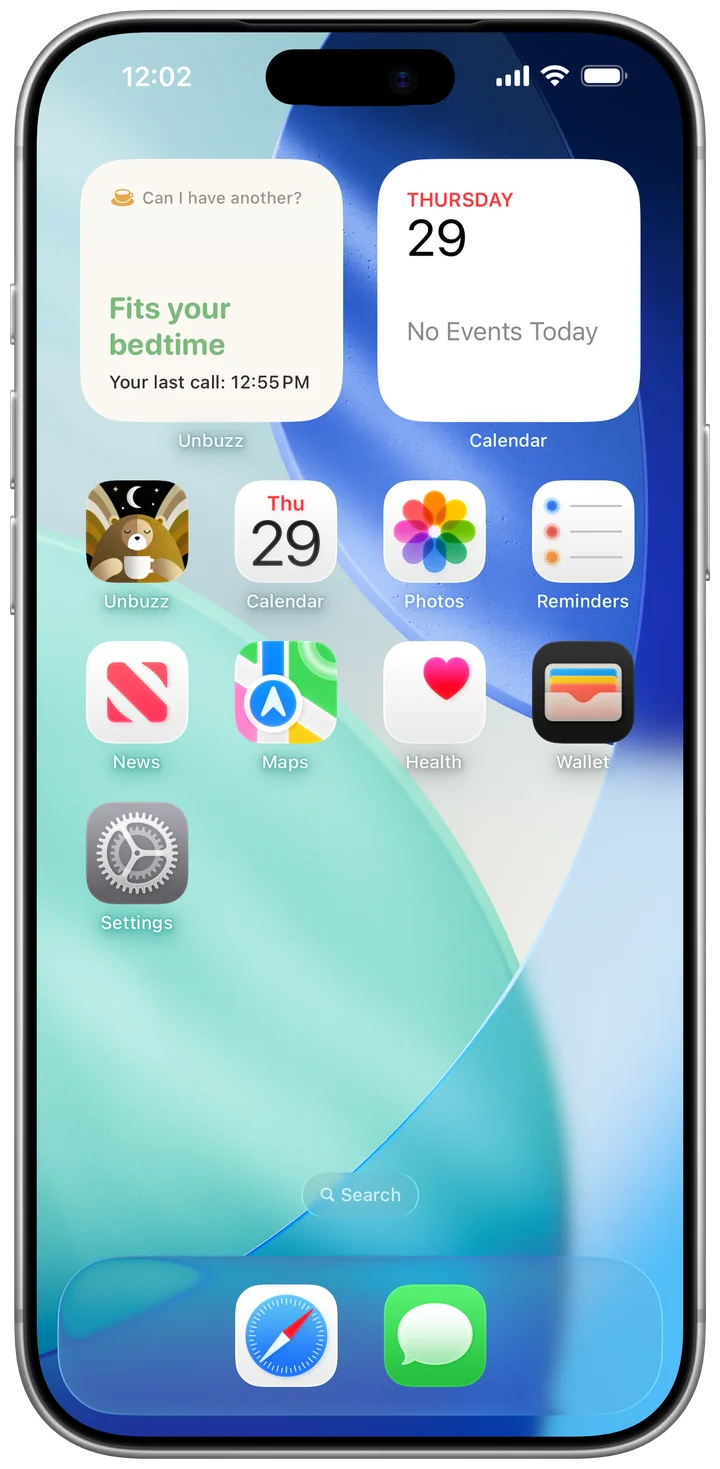
The Apple Watch app and the "Can I have another?" widget on iPhone and Android are free. More widgets and Watch logging come with Pro.

The free Can I have another? widget on an iPhone Home Screen: fits your bedtime

Apple Watch

Your estimate, on your wrist

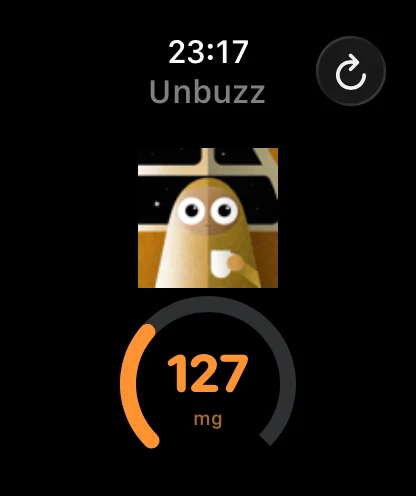
The free Apple Watch app and complications show your current caffeine estimate at a glance. With Pro, log your favorite drinks from your wrist.

Unbuzz on Apple Watch: the current estimate, 127 mg

Quick logging

Log your favorite drinks with a single tap. We remember your preferences for faster tracking.

Bedtime estimate

Follow an estimated caffeine curve with your bedtime marked, based on the half-life and bedtime level you choose.

Achievements

Build consistent streaks and unlock achievements as your logging routine develops.

Try it

Can you have another?

Pick a drink and a time. This runs the same estimate as the app with its defaults: a 5-hour half-life and a 25 mg bedtime level. In the app you can change both. How the estimate works.

Earlier today
Next drink
3:00 PM
Fits your bedtime

About 21 mg at 11:00 PM

Bedtime level 25 mg. Under it at 9:40 PM, 6h 40m after the drink.

An estimate from a simple half-life model, not a measurement or medical advice. Amounts per serving: espresso 1 fl oz, cold brew a Starbucks Grande (16 fl oz), the others 8 fl oz. Caffeine amounts from: USDA FoodData Central: espresso, brewed coffee, black tea, brewed, green tea, brewed, decaf brewed coffee; Starbucks: Cold Brew nutrition. Checked November 4, 2026. See the caffeine content table.

How it works

Log, follow, check

Three simple steps to make caffeine timing easier to see.

Log your drinks

Tap your favorite coffee, tea, or energy drink whenever you have one.

Follow the estimate

Watch the selected half-life model update as you add drinks through the day.

Check the next cup

Tap Can I have another? to see whether one more still fits under your bedtime level.

Guides and resources

Free caffeine calculators

Neutral reference tools for amounts, timing, and coffee routines.

Make your caffeine timing visible

Download Unbuzz to log drinks, follow the curve, and check the next cup before you drink it.